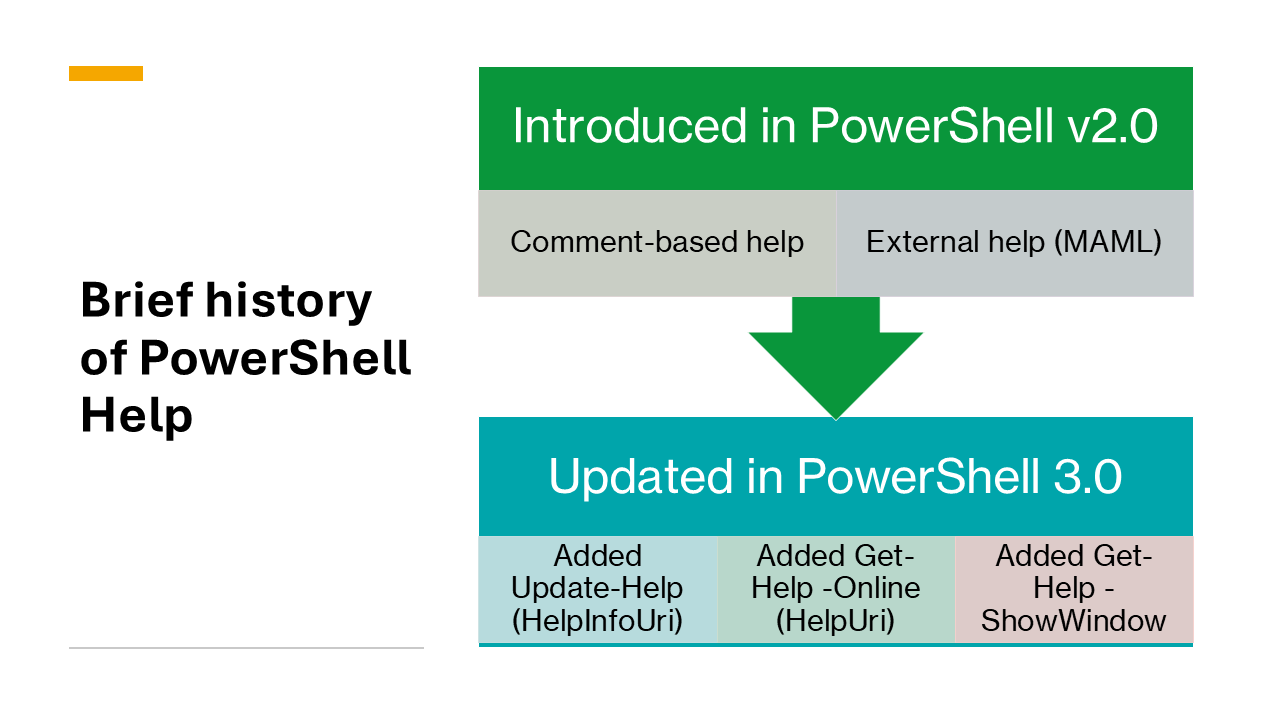
The Help system for PowerShell was introduced in Windows PowerShell v2.0. The Help system is similar to man pages in Unix. It was designed to provide a consistent way to access help for cmdlets, functions, and scripts in the console.
Windows PowerShell 3.0 added new features to the Help system:
Update-Help(enabled by HelpInfoUri) - Downloads and installs the latest help content from MicrosoftGet-Help -Online(enabled by HelpUri) - Opens the online version of the help content in the default web browserGet-Help -ShowWindow- Opens the help content in a separate GUI interface
Features of the PowerShell Help system
The PowerShell help system is a powerful tool for learning and using PowerShell. It’s a key part of the PowerShell experience. It’s important to understand the features of the help system so that you can take advantage of them.
The Get-Help cmdlet has several parameters that provide the following features:
- Search and filter by topic, parameter, component, role, functionality, category
- Control display verbosity using
-Examples,-Detailed, and-Full - Open in a browser using
-Online - Install or update help content using
Update-Help
Enabling these features for your help content
When you create help for your cmdlets, there are several requirements you must fulfill to enable these features. Some these features require content to be written, such as examples and detailed descriptions of parameters. Others features require you to add metadata attributes to your source code.